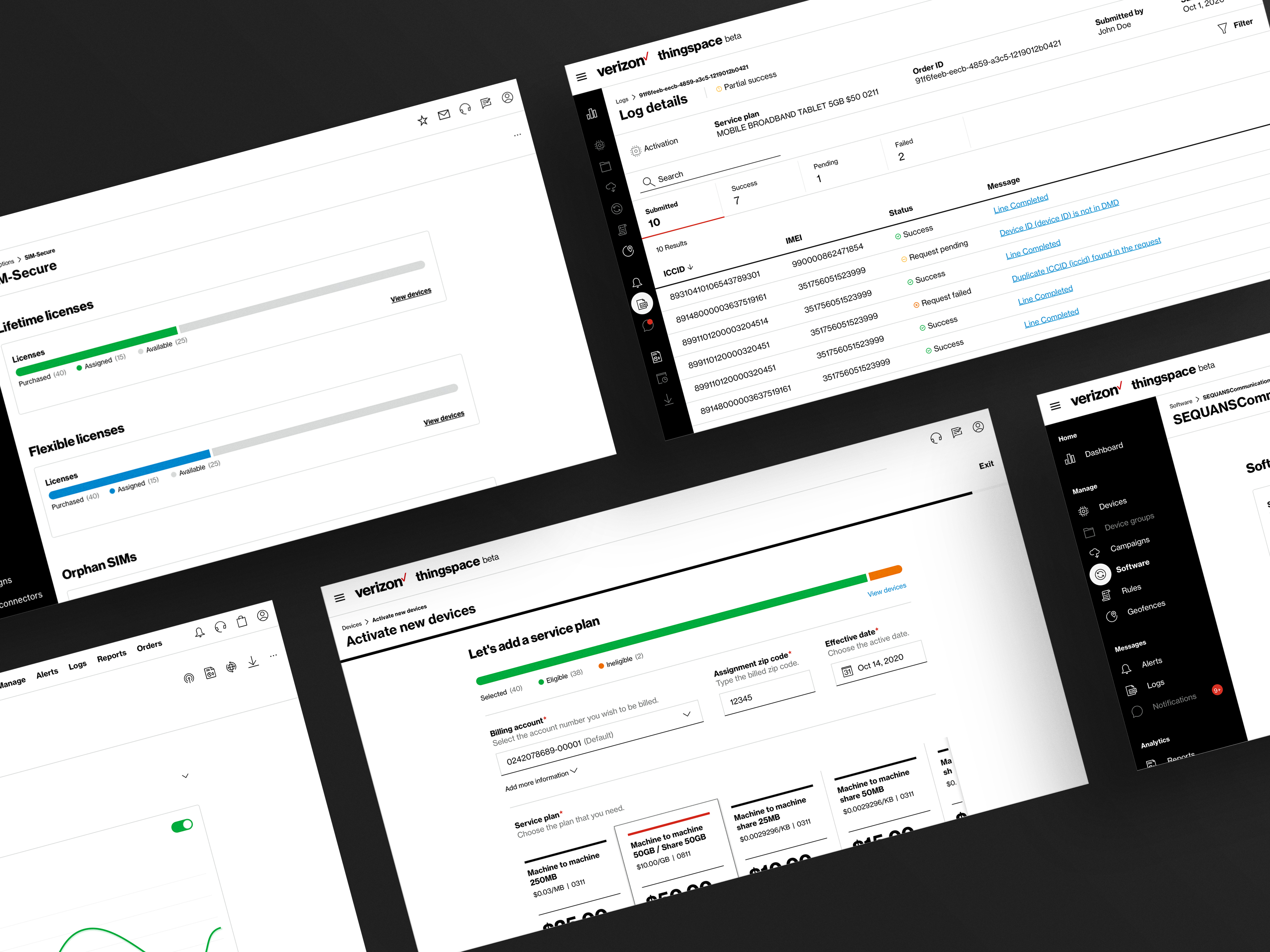
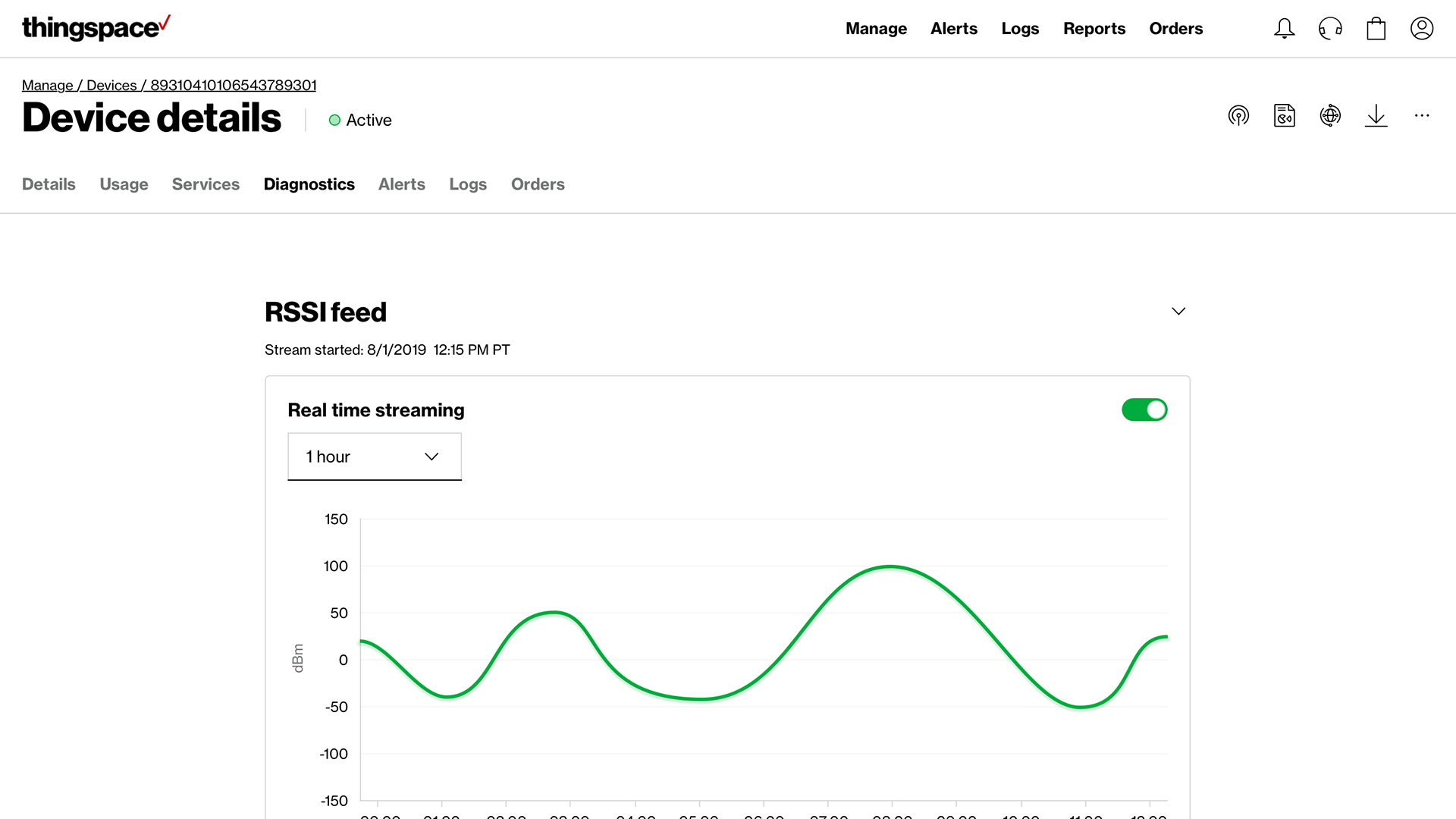
ThingSpace is the terminology coined by Verizon to describe the space in which developers and customers can interact with their Internet of Things (IoT) devices and solutions. It is an end-to-end platform where customers can gain access to a wide array of tools used to prototype, test, connect, and manage their IoT devices.
My Role
My role was to redesigned a more stylish, modern look and feel.
User research: ( including: customer interviews, Architecture, journey mapping, personas )
Ideation
Wireframes
Prototypes
User testing
Beyond the new design, We wanted to take a outside-in-approah: forming relationships with customers to understand their goals, motivation and behavior
Tools:
Sketch
InVision
After effects
Gloomaps
User testing
Duration:
This project has been a 2 year development process and the MMP was launch in April 2021.
What we launch
Understanding
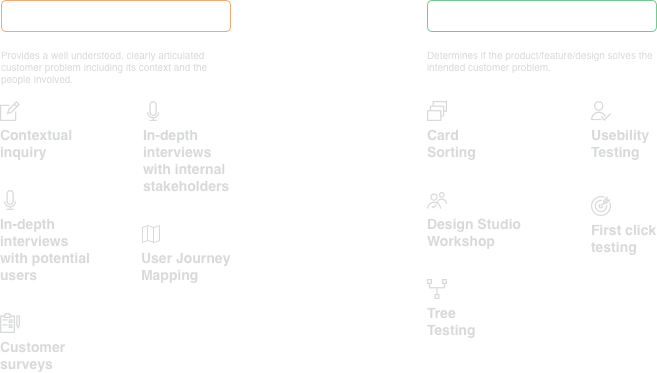
Research methodologies
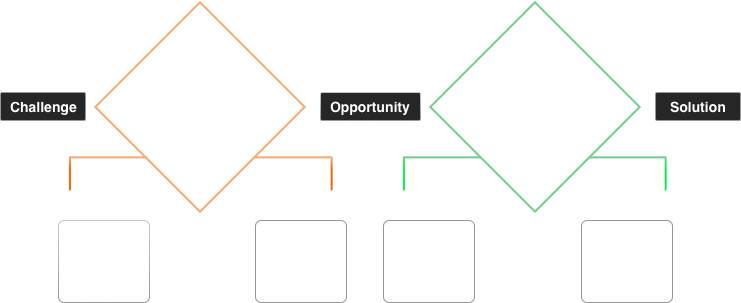
The Approach
Personas
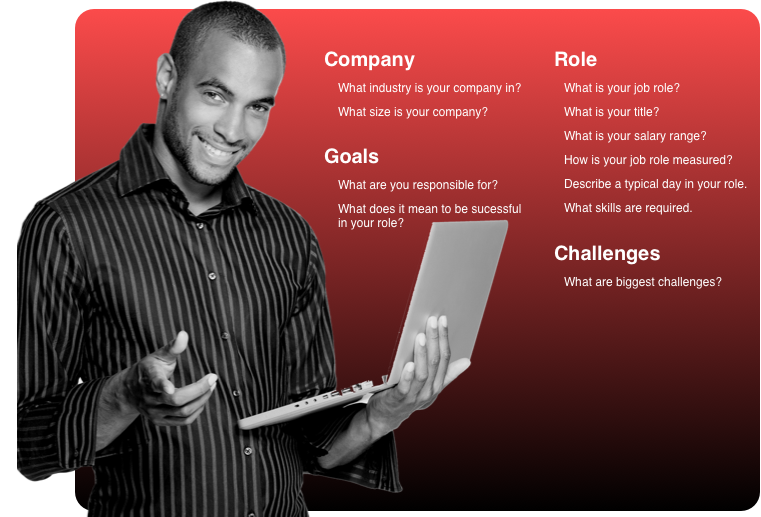
Customer interviews:
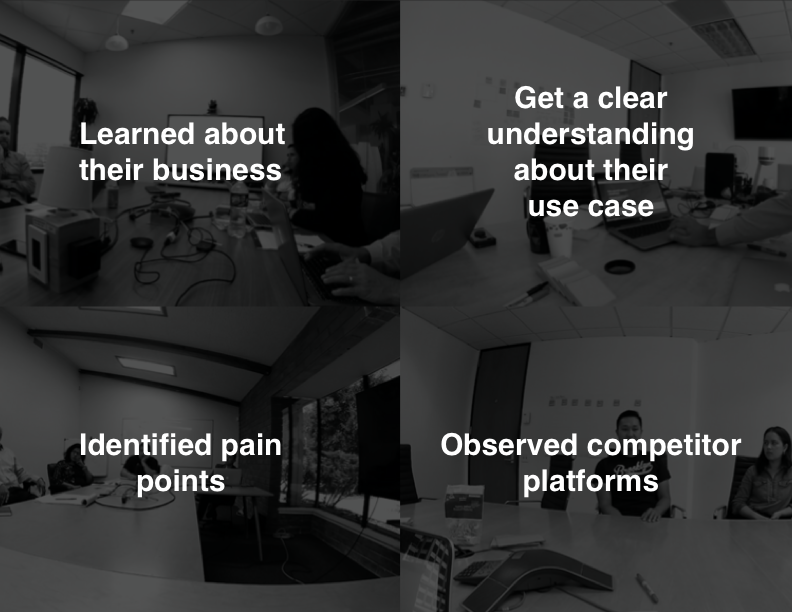
During our interview process we observed and screen recorded customers using the current experience of the ThinkSpace application
What we observed
User pain points
Too many systems to monitor to manage devices.
Want better use of screen real estate more focus on devices
Need faster page load task completion and report time
More transparency when there are errors or inconsistencies.
Need more granular details of devices usage, connections and drops
Ideation:
Why redesign:
To provide a simple, frictionless experience that lowers the barrier to entry to IoT.
To mitigate the prevalent risk of losing existing and future business due to our outdated systems that lack features that customers already get from our competitors.
To respond to customer demand for speed, ease of use, and functionality.
To surpass the competition in user experience, platform capabilities, and API adoption.
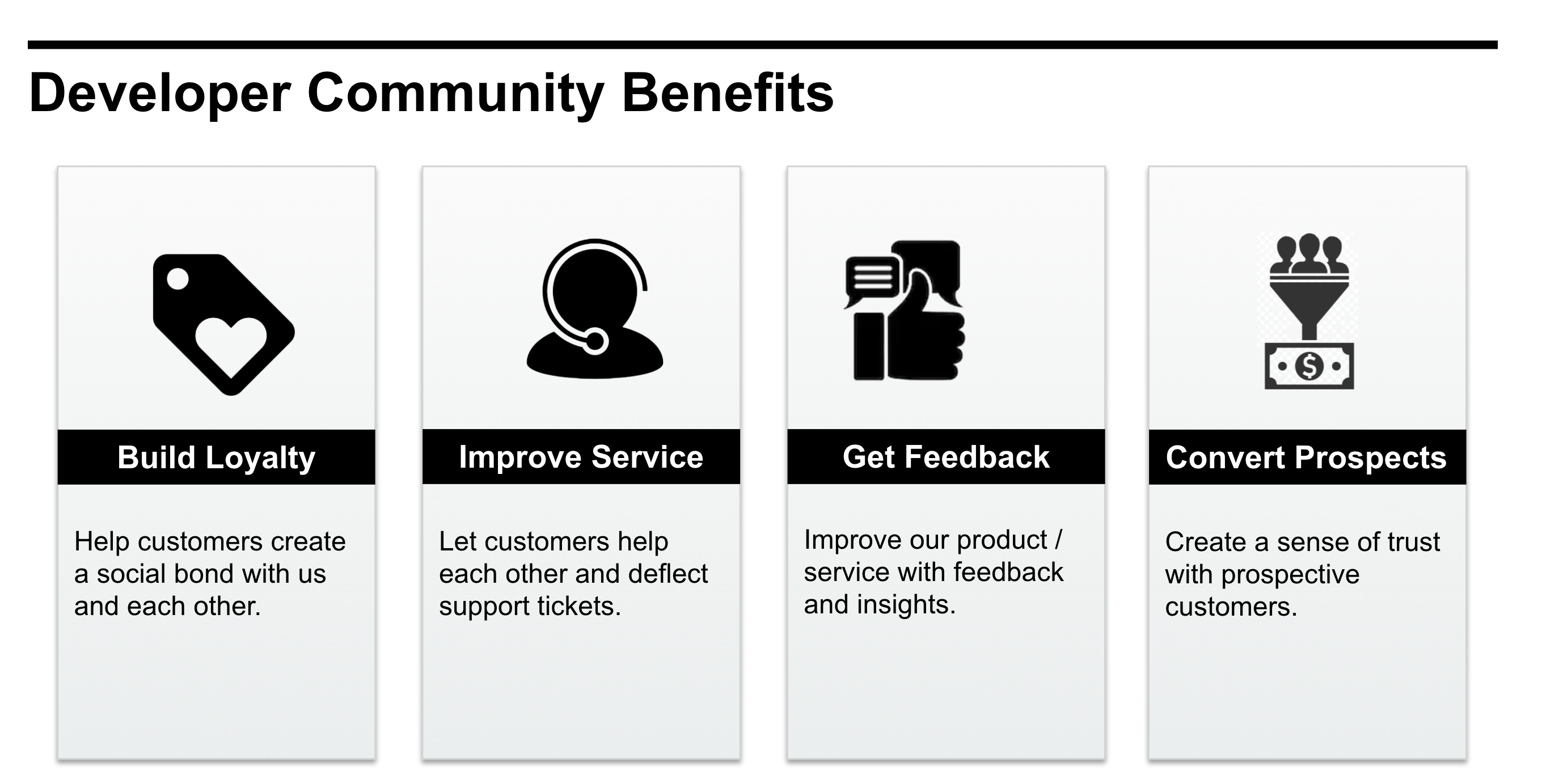
User Benefits:
Design system:
Typography:
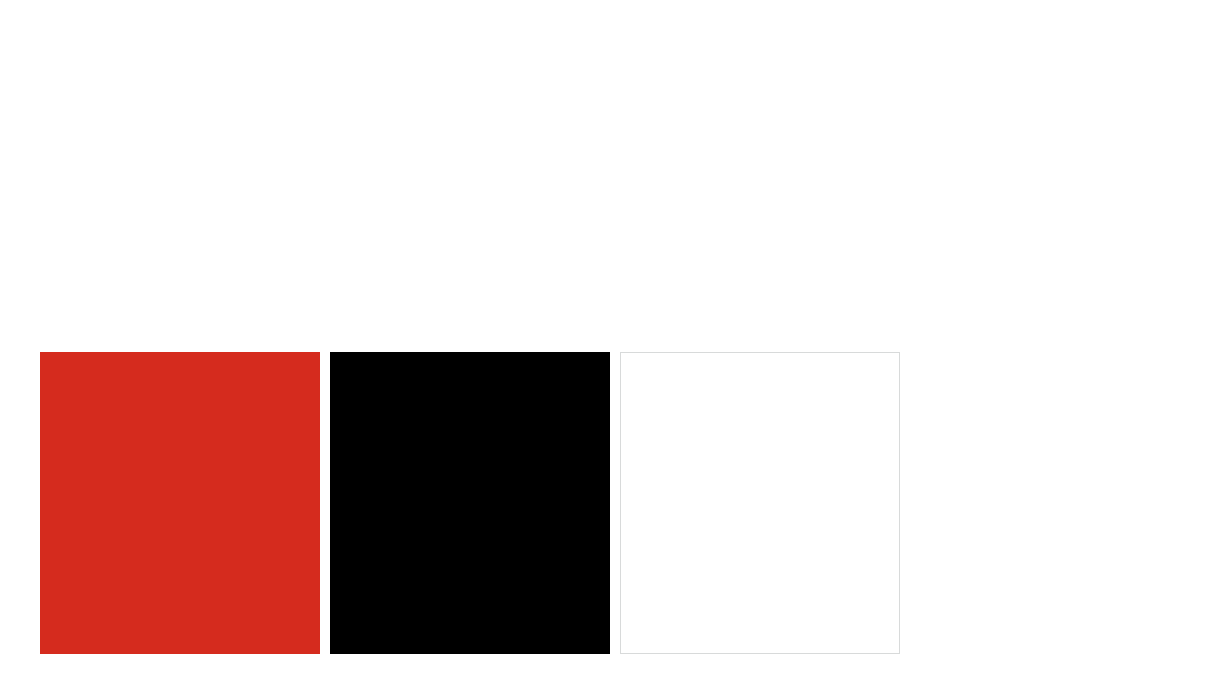
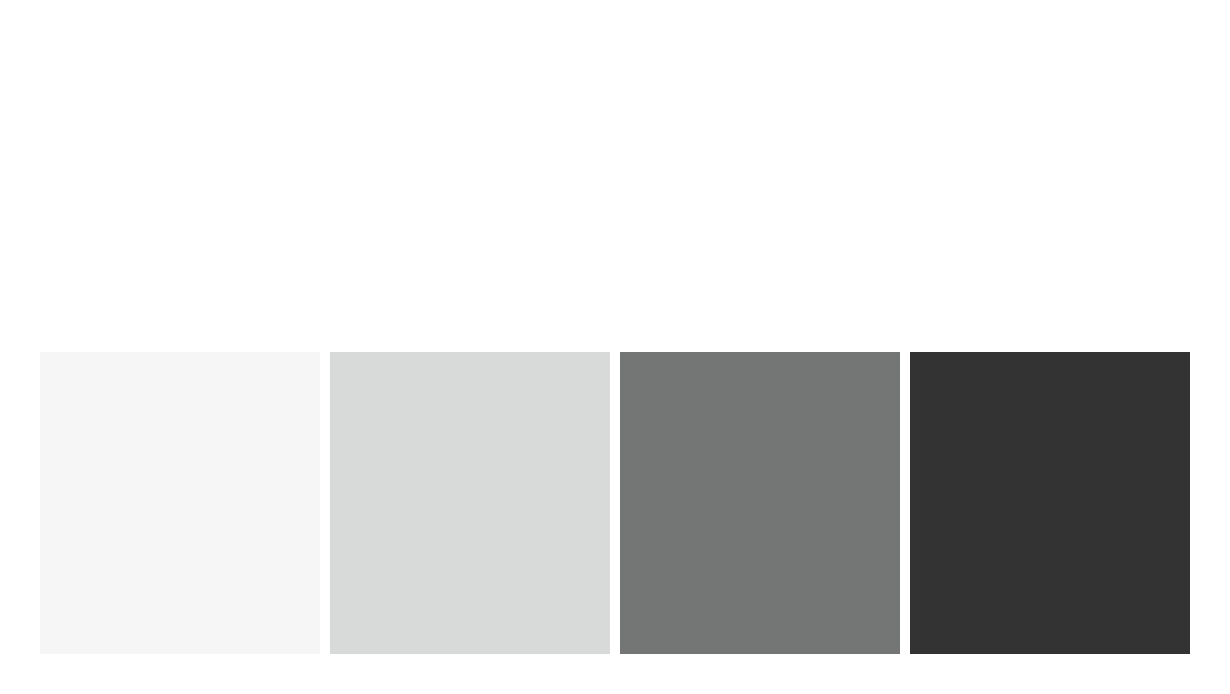
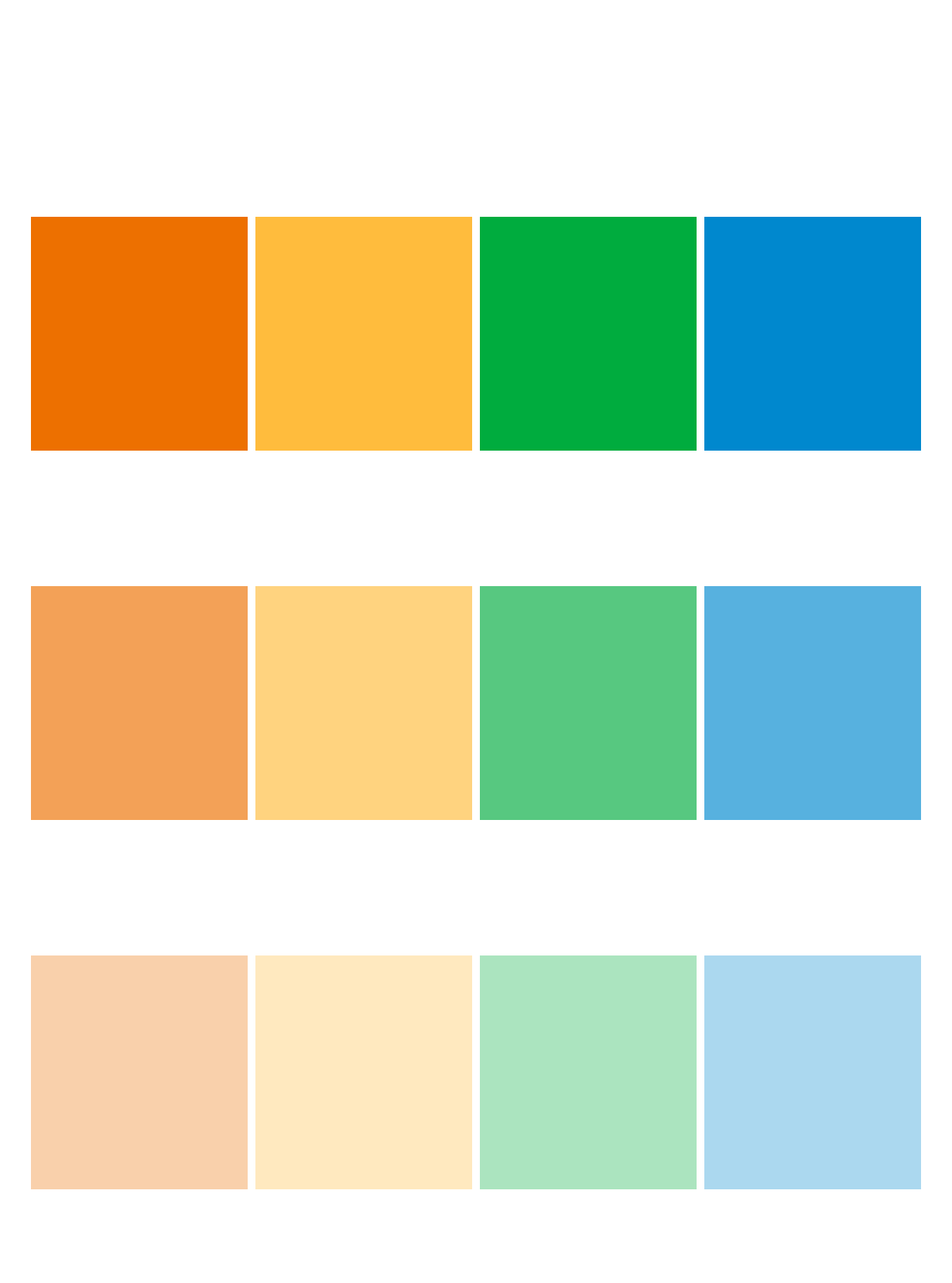
Colors:
Icons:
Buttons:
Logos:
Features:
Manage users and their permission for account-level security.
View user activities and system events in a detailed audit trail.
Configure Alerts
Configure custom alerts with an easy-to-use wizard.
Receive notifications when usage, connectivity, or status changes occur outside your definition of normal for individual devices, accounts, or device groups.
Automatically suspend service for rogue devices or devices moved without authorization.
Monitor data usage thresholds and service transactions.
Automatically switch service plans to avoid usage overages.
Perform Transactions
Activate up to 10,000 devices in a single transaction.
Select desired IP Pool during activation (for Private Network customers).
Set desired IP Address during activation.
Disconnect, suspend, resume or change the plan on up to 2,000 devices in a single transaction.
Swap devices or change the wireless number.
Purchase SIM cards in bulk
Run Reports
Run standard and custom reports for management of devices, service, usage and costs.
Search and filter device lists through pre-established or custom criteria.
Search, sort, identify and track devices using custom properties.
Device actions
View, monitor, and manage devices quickly and effortlessly.
View near real-time connectivity status and usage information.
Examine details such as usage estimates, connectivity status and history, IP address, service state and history, and customer-defined attributes.
View transaction details including real-time activation status.
Review system-wide status on the home page and drill down to details using the quick links.
Get Roaming information
The Design Process:
We wanted to involved real use cases in our design process to ensure the products we built meet their diverse needs of our customers.
Why?
Boosts overall revenue and conversion rates
Reduces risk of building the wrong things
Increases customer satisfaction
What?
New branding to meet Verizon guidelines and standards
More granular data for users
50+ user flows; 1000+ screens designed
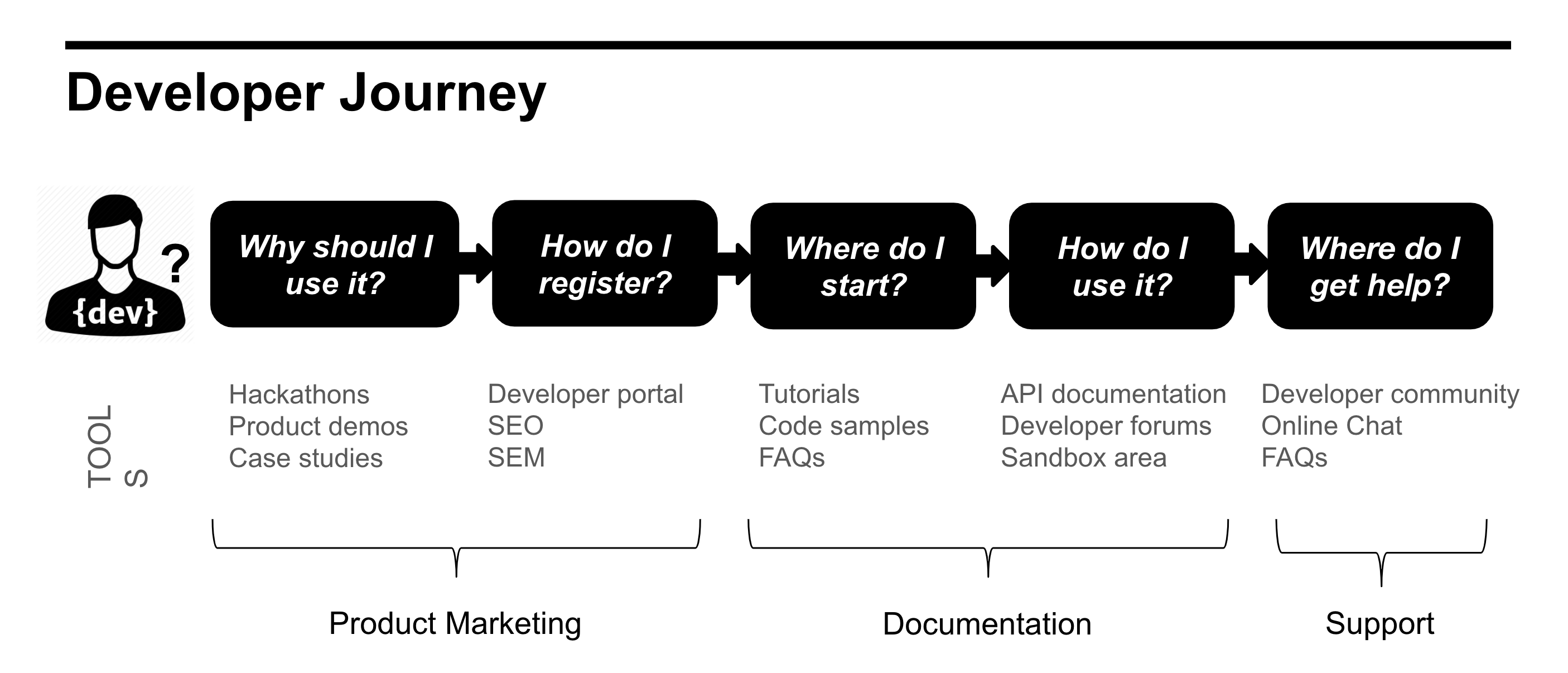
Customer Journey Map:
Architecture:
Designs
After gathering customer feedback through our research, we were able to improved usability and brand issues by making systems and design elements more manageable and visually inclusive.
Low-FI designs
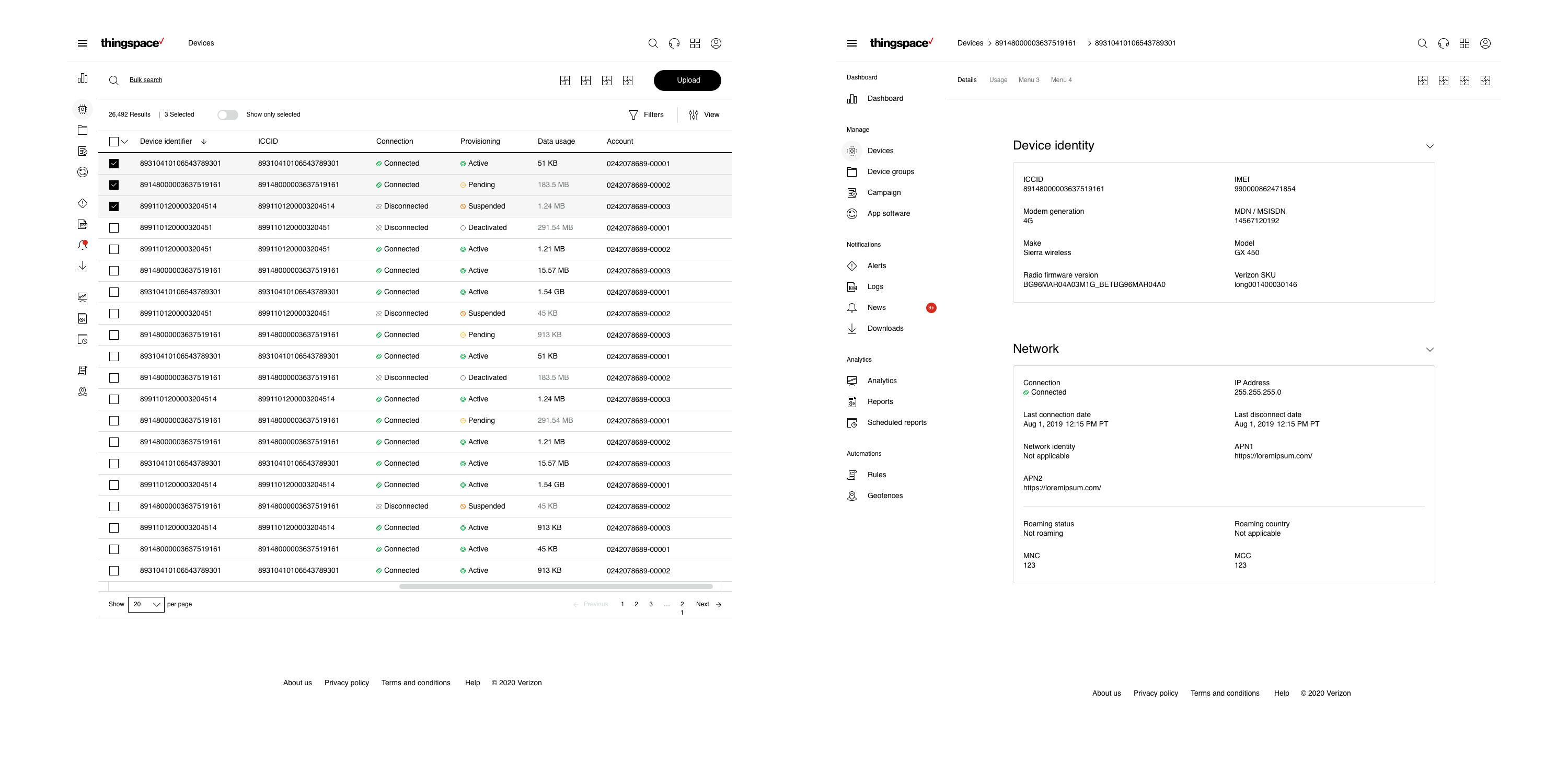
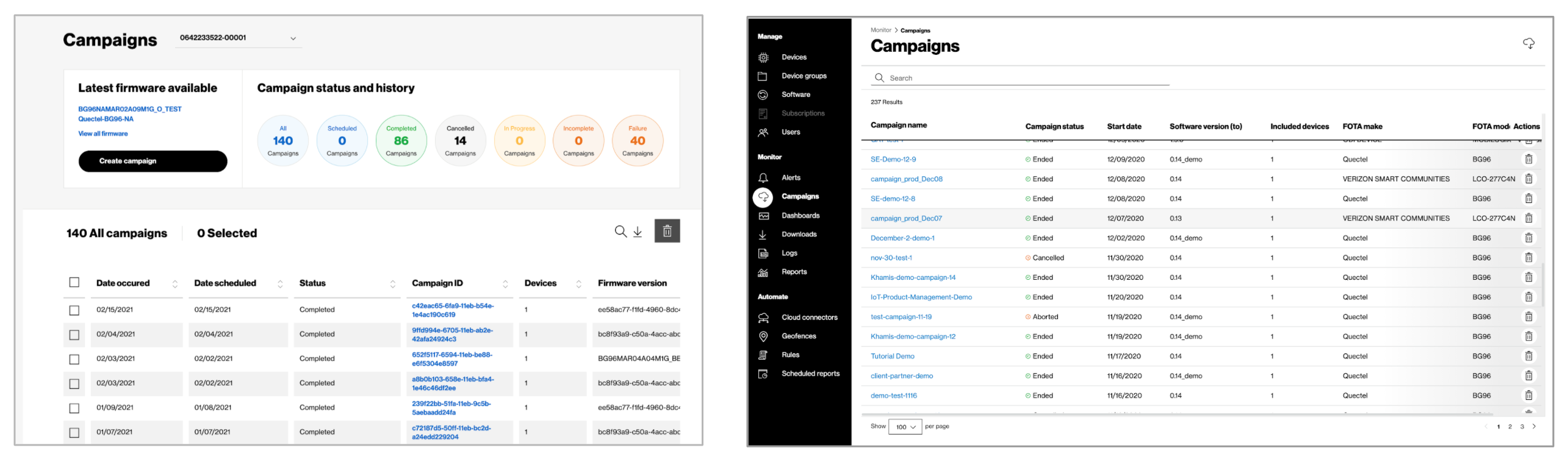
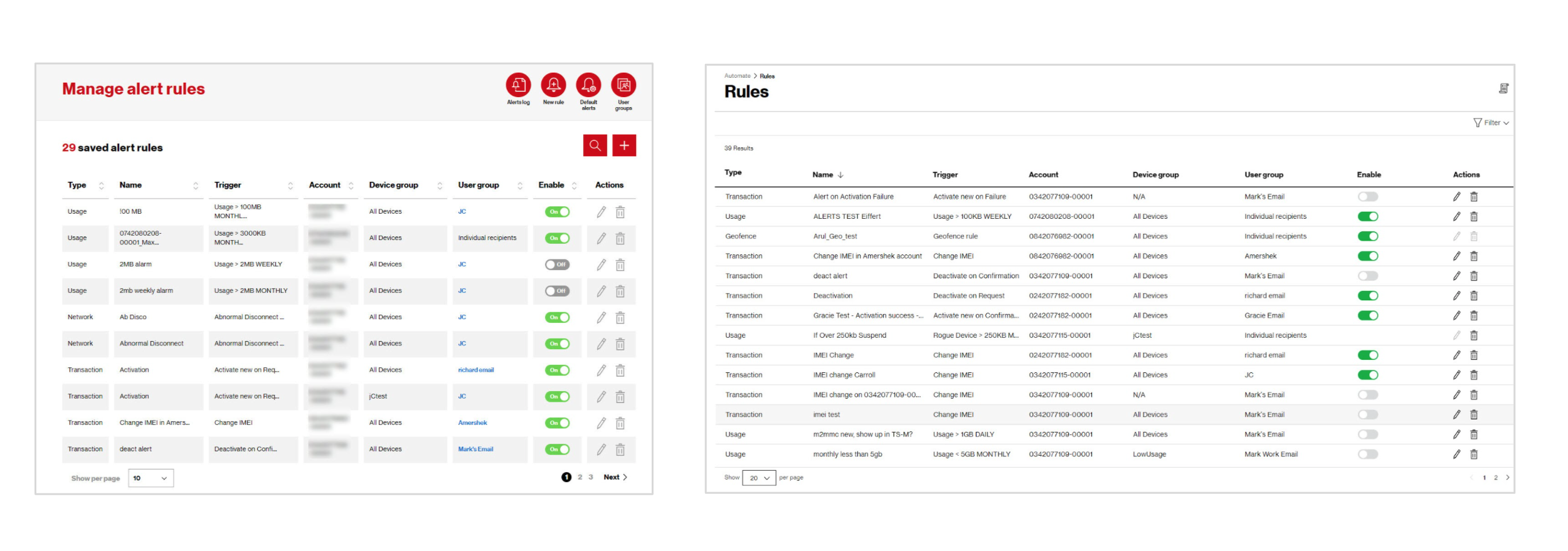
Before/After:
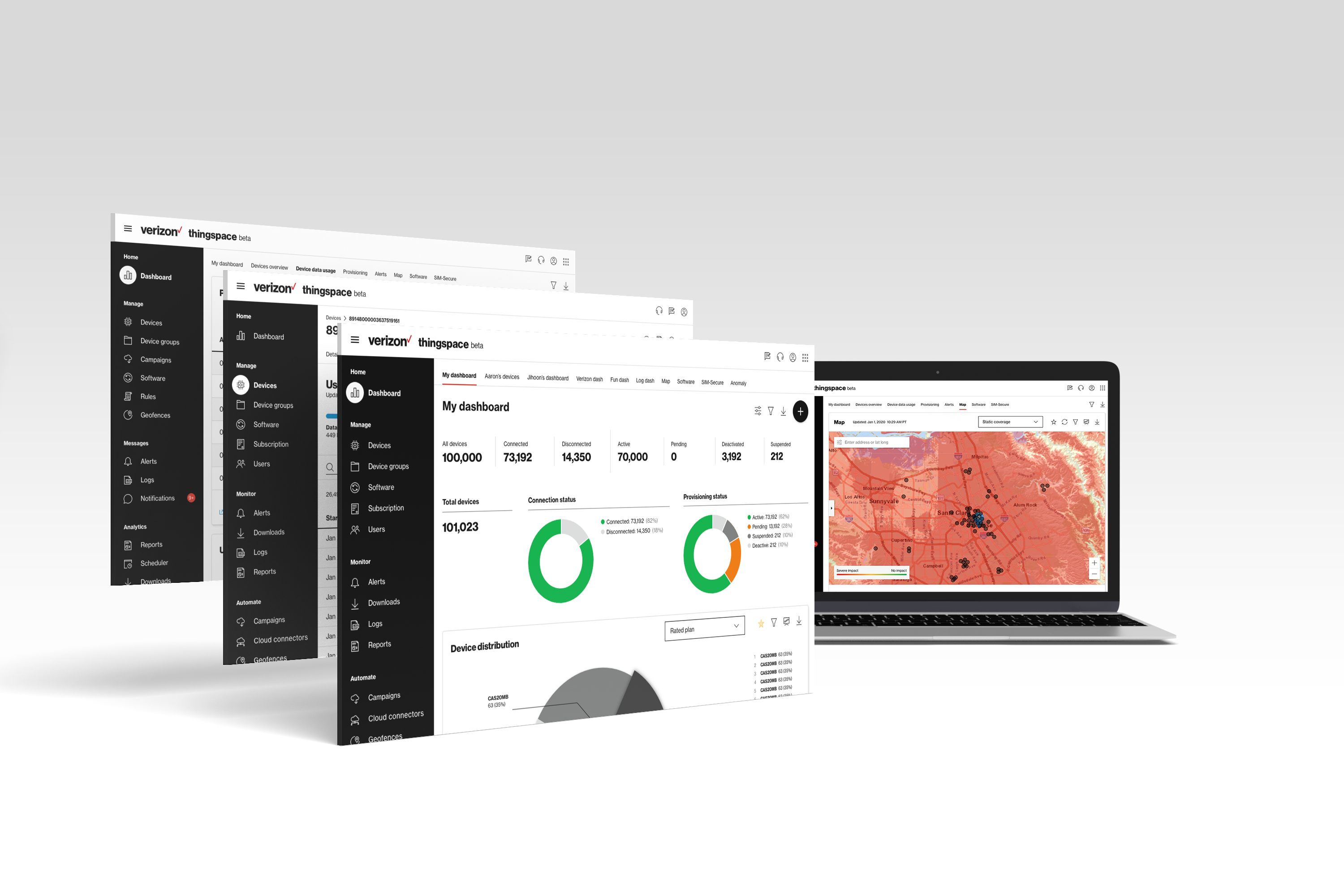
Dashboards
Campaigns
Rules
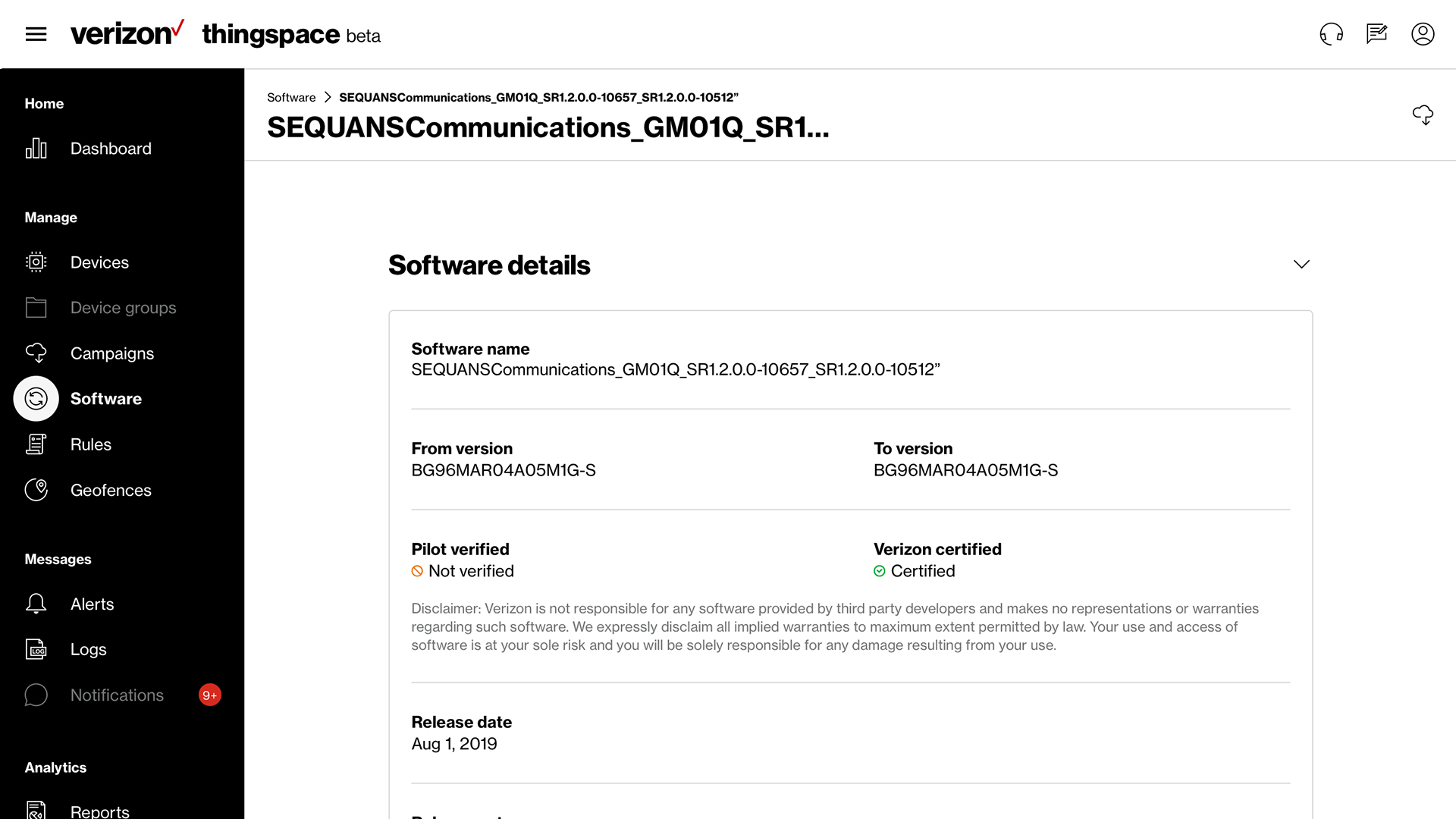
High fidelity mockups:
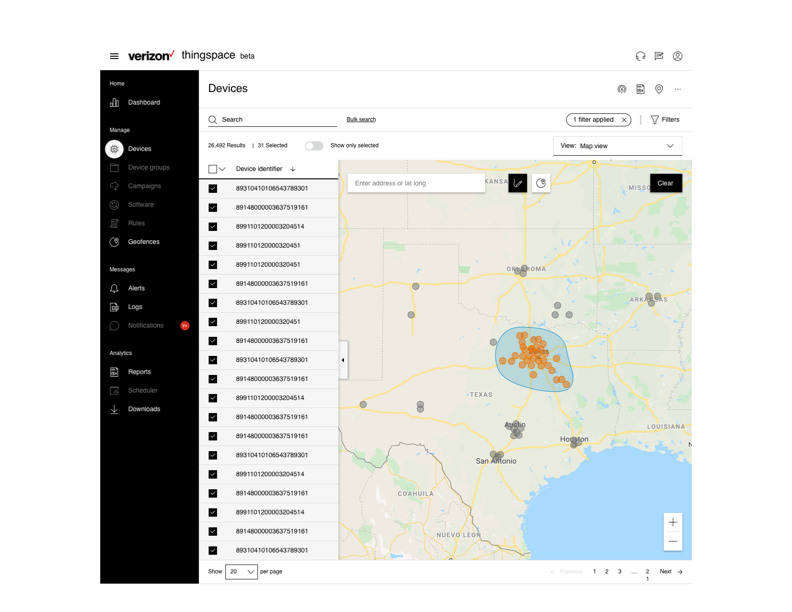
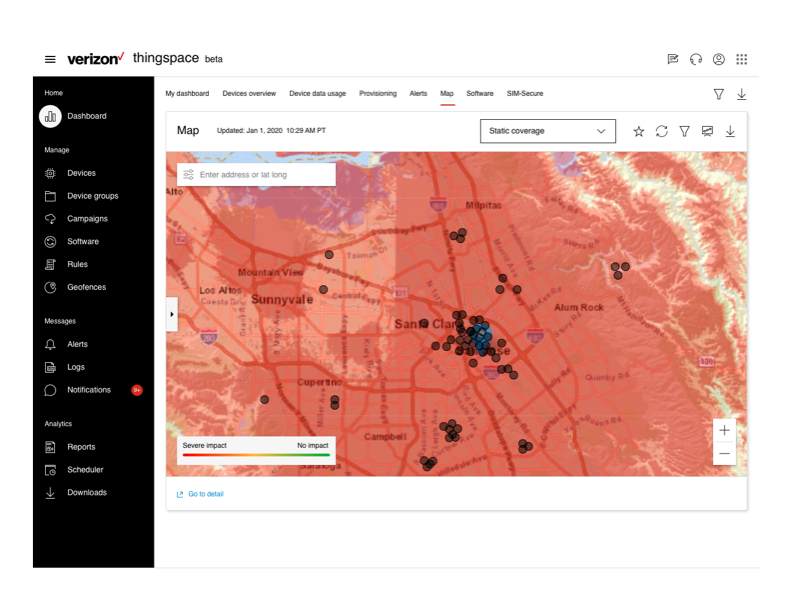
Map view ( geofencing )
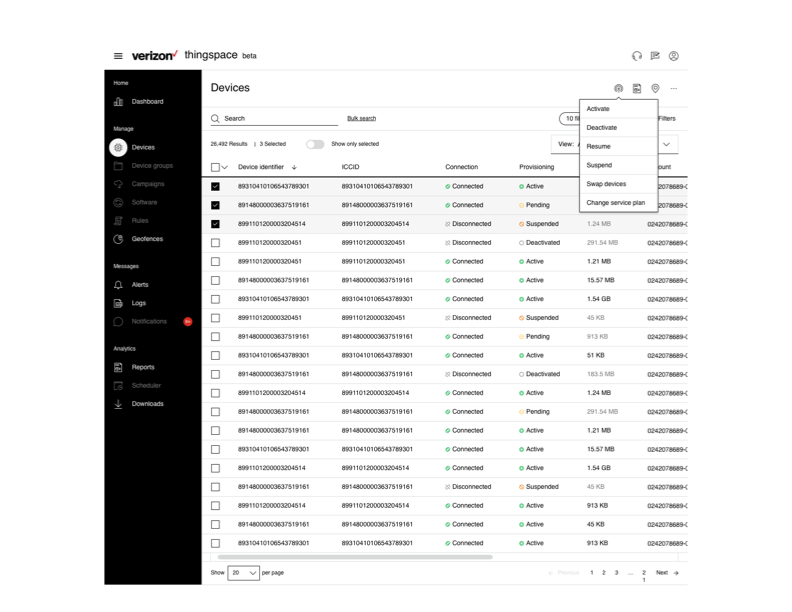
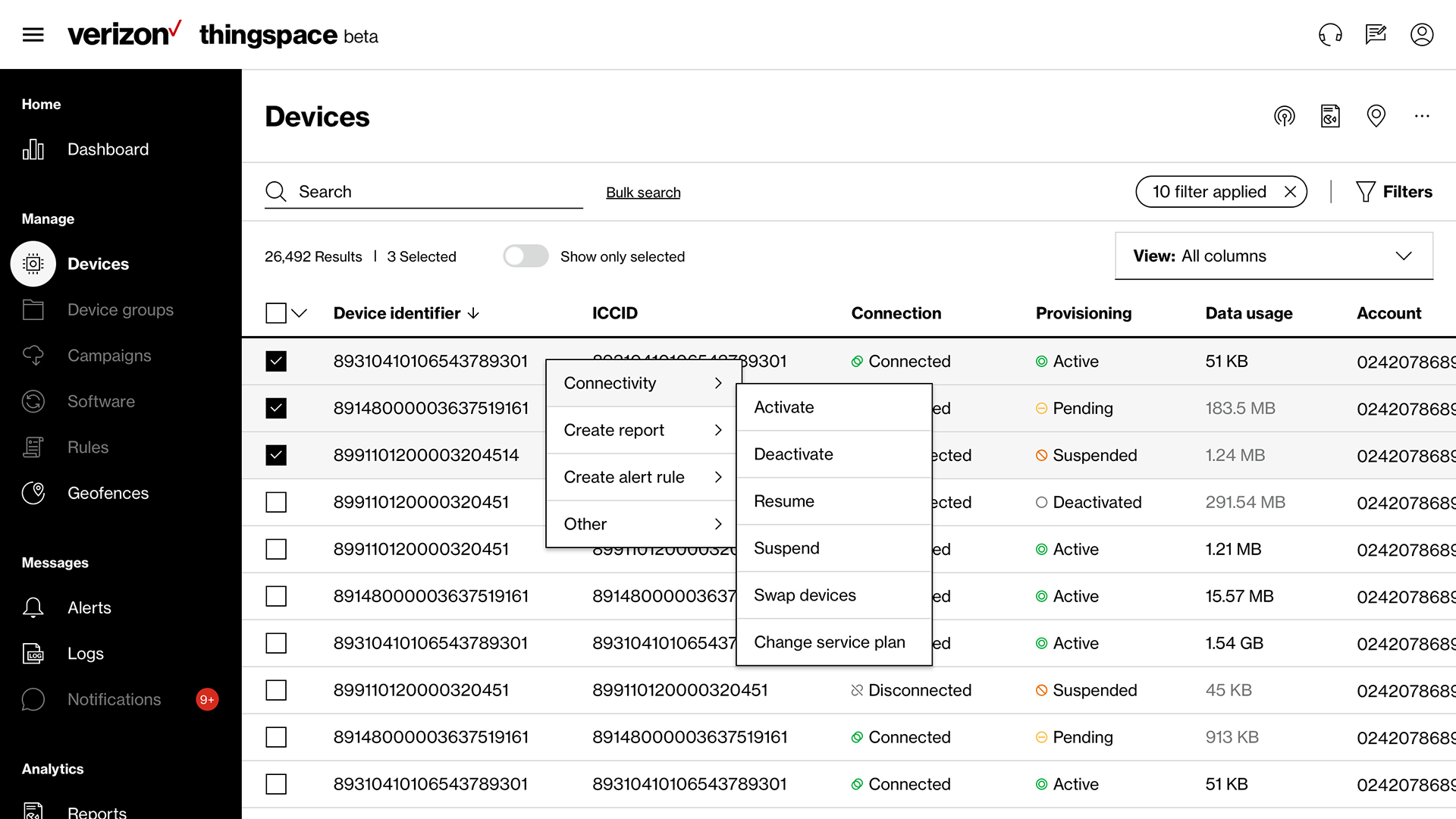
Actions dropdown
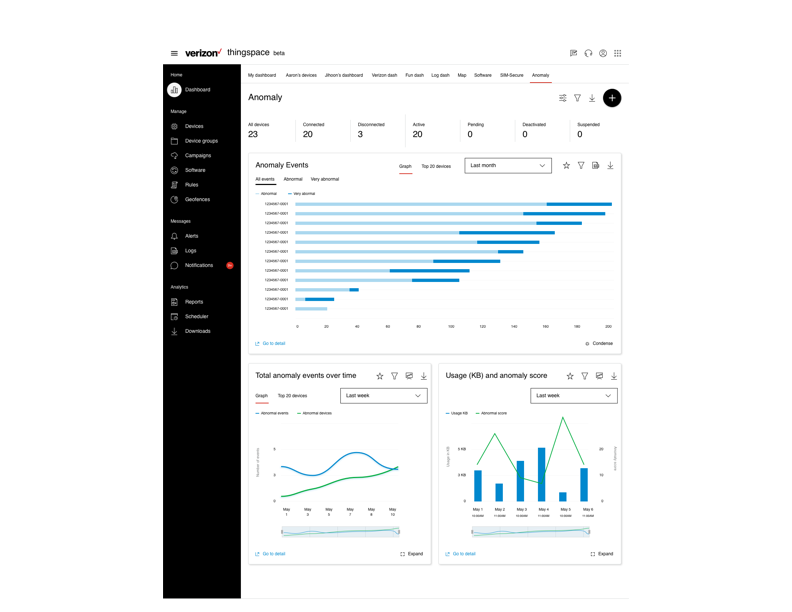
Dashboard view
Coverage details
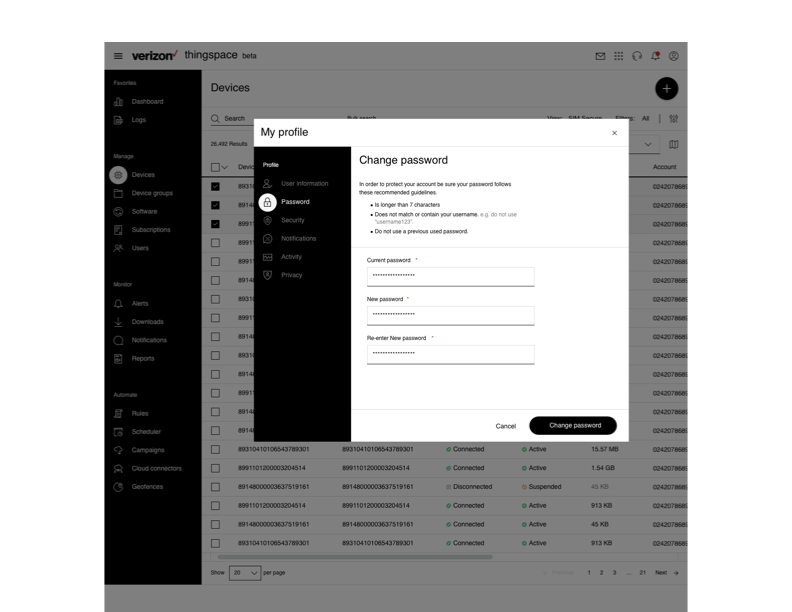
User profile view
What we learned:
Customer involvement and feedback make our products better
We have better results when we Incorporate validation session design concepts into the application
Through user testing we better undertand the learn path of our customer






.jpg)