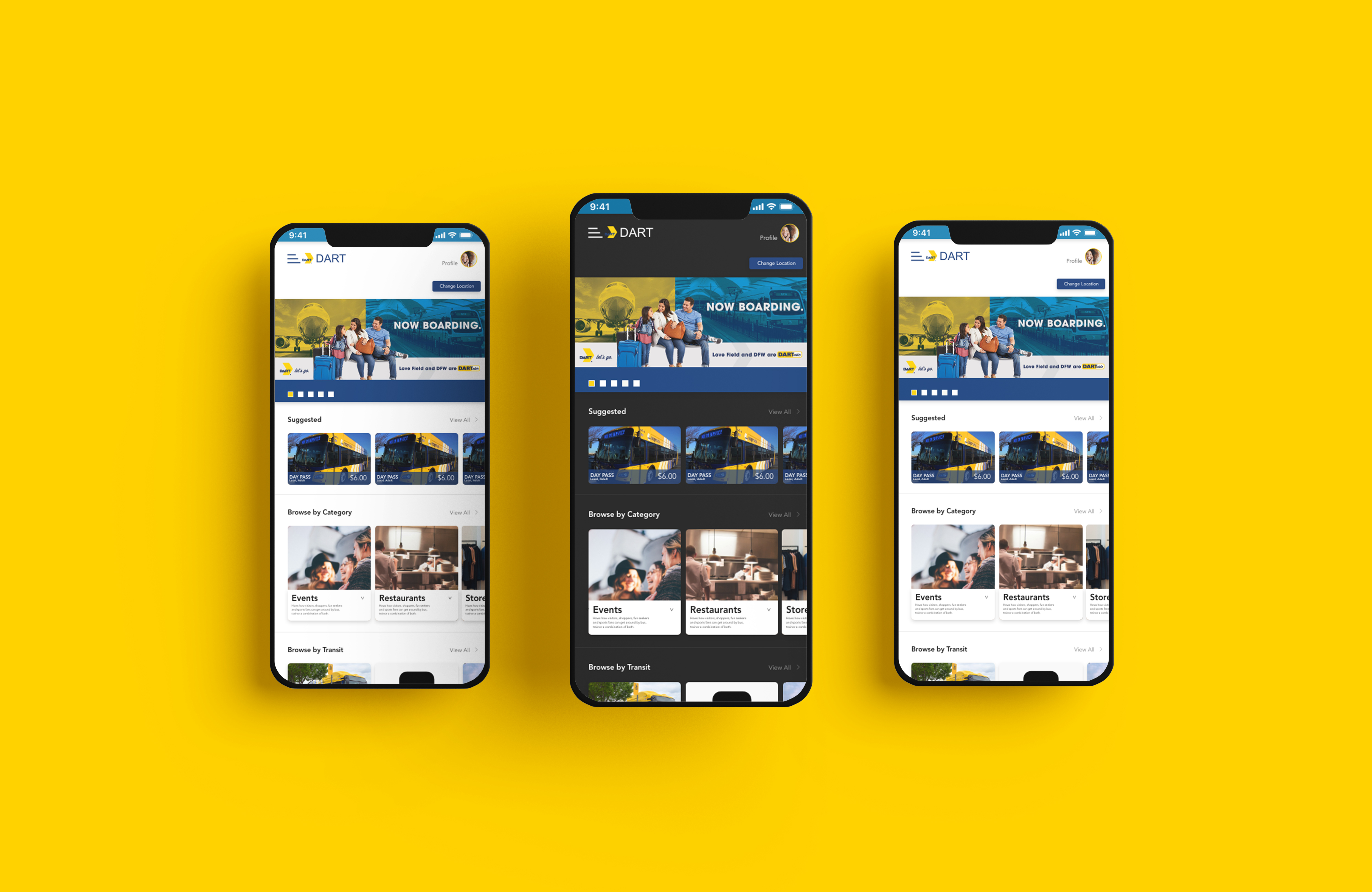
As the main UX/UI designer, I was involved in the research and design of the project, from mapping out the problem to delivering final designs for their digital kiosk and mobile app
Methodology:
Research
Architecture
Wire-framing
Prototyping
The Challenge:
The challenge involved creating a digital experience that would allow users to find various activities and events.
Tools:
Adobe XD
Duration:
3 months
Designs:
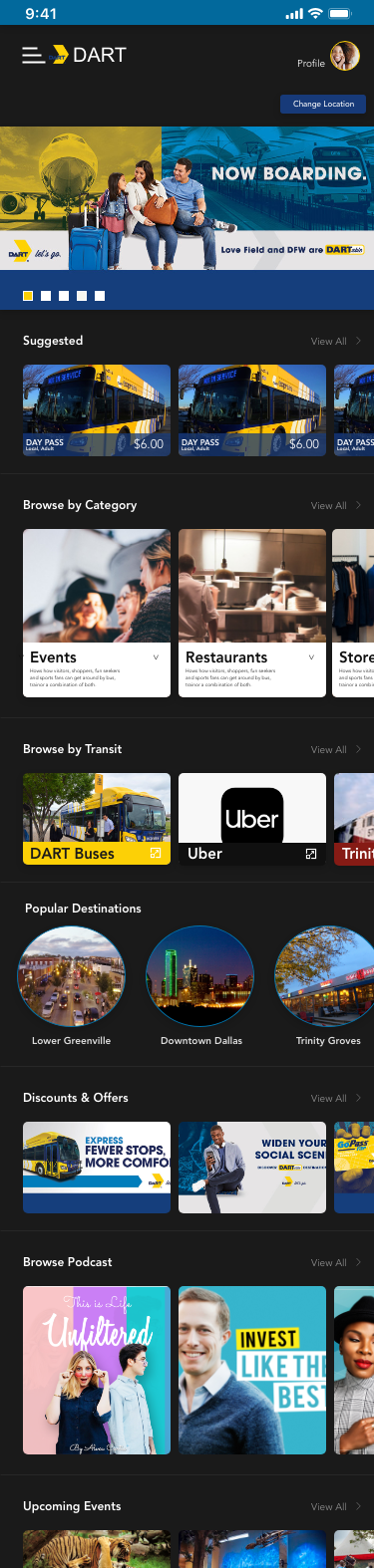
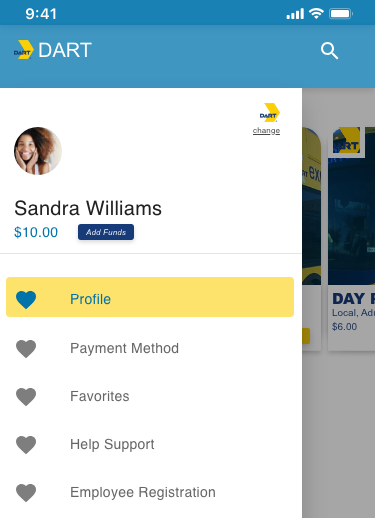
profile picture
angled menu with branding
change of location button (updates information based on location)
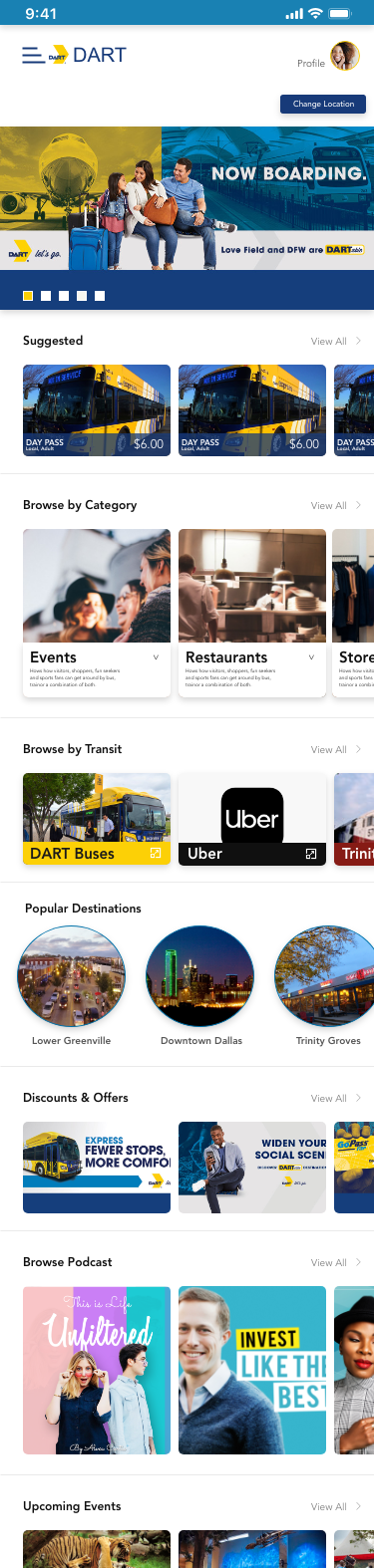
Angled cut can be used on various components and elements. It reflects the shape of the DART logo and acts as an extension to the DART brand.
Navigation Drawer allows users to simultaneously access drawer destinations and app content. Drawers can be permanently visible or opened and closed by tapping a navigation menu icon. A navigation drawer sheet can open from the left side of the screen
The header area of a navigation drawer is a flexible space that can be used for brand expression and personalization (such as an name, photo, balance, change of transit line, add funds button,) change of city switcher, and more.
Goal was to give users the option to change between DART, DCTA, and TRINITY METRO.
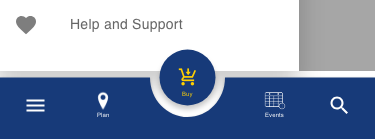
Bottom app bars provide access to a bottom navigation drawer and up to four actions, including the floating action button. (which would be the "Buy" action)